
ThumbVault
A password manager that stays on your devices.
No account. No subscription. Nothing to sign up for.
What it is
Your vault is a single encrypted file in your own browser profile. ThumbVault has no servers that hold your passwords, no account to create, and nothing to report back to. It opens instantly and unlocks with Touch ID.
Unlocks with a fingerprint
Touch ID on the Mac, Face ID on the iPhone. The key is kept by the Secure Enclave, not by us.
Fills without getting in the way
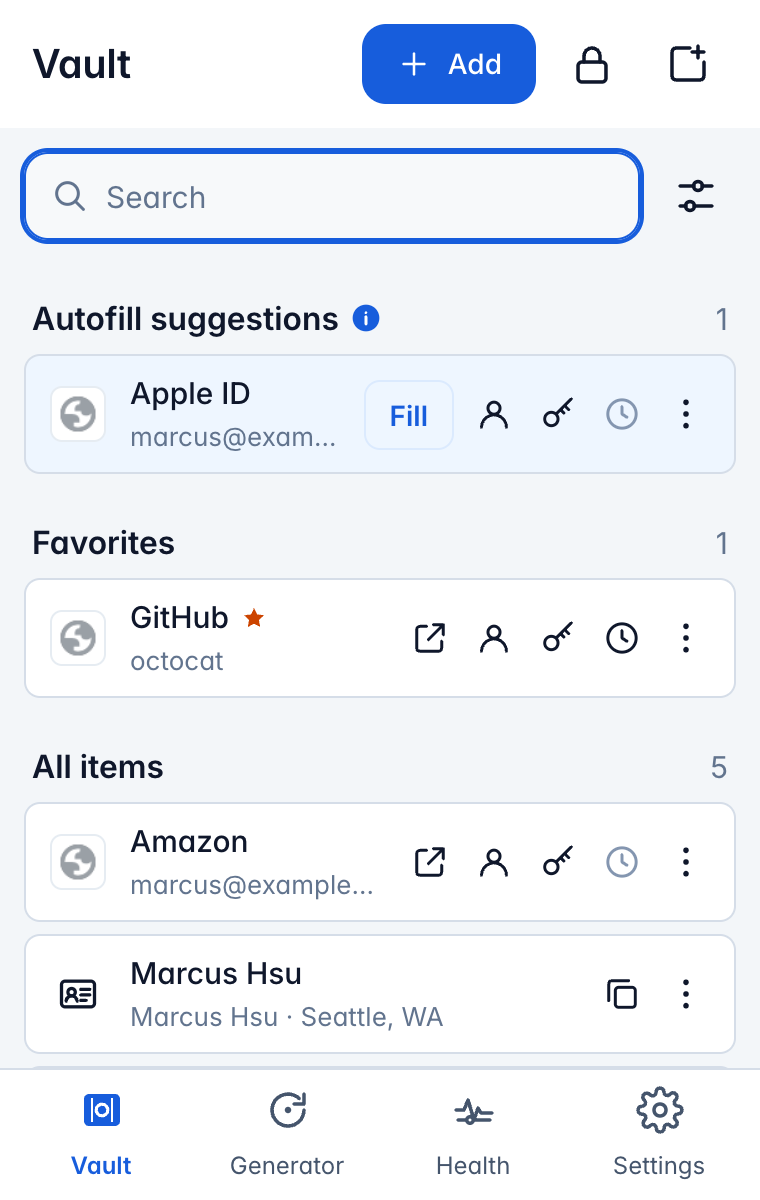
An inline menu on the fields themselves, and a keyboard row on the phone. One tap, not four.
Passkeys, properly
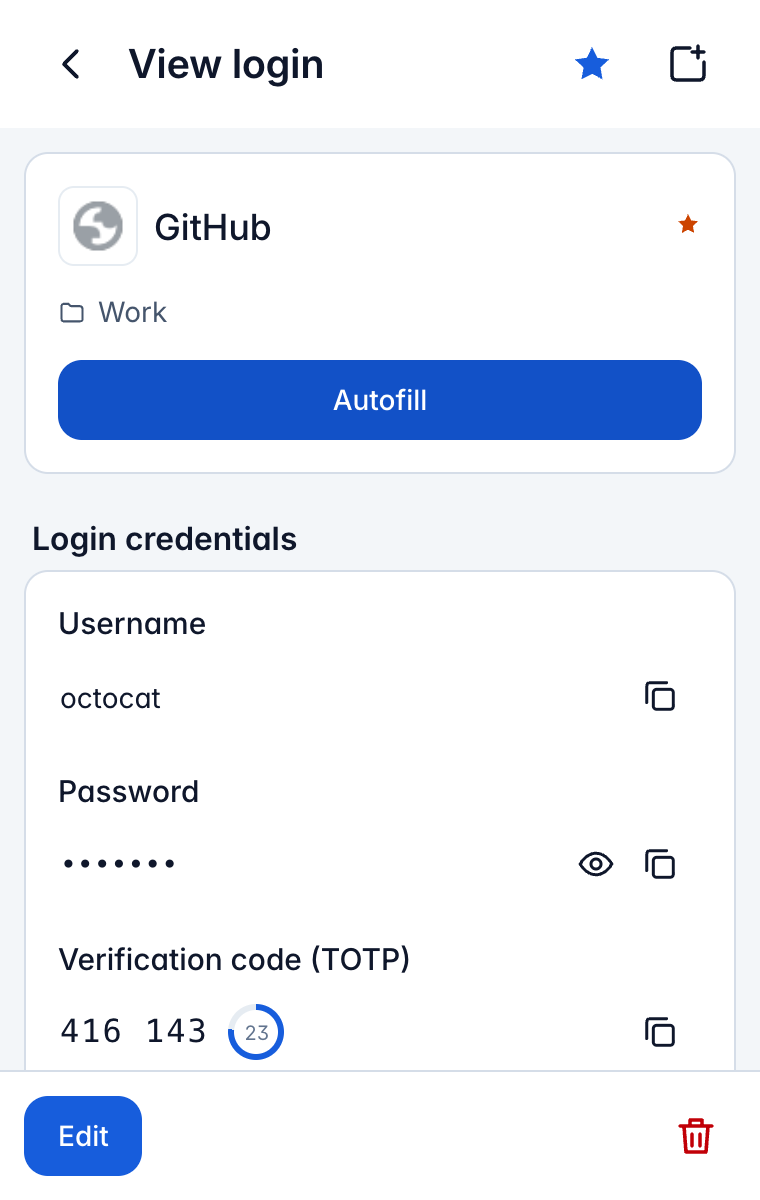
Create and use passkeys on sites that offer them, stored in the vault like any other secret.
Verification codes
Two-factor codes live next to the login they belong to, and fill themselves on the phone.
Brings your old vault
Imports from Bitwarden, and exports back out again — passkeys and 2FA keys included.
Tells you what is weak
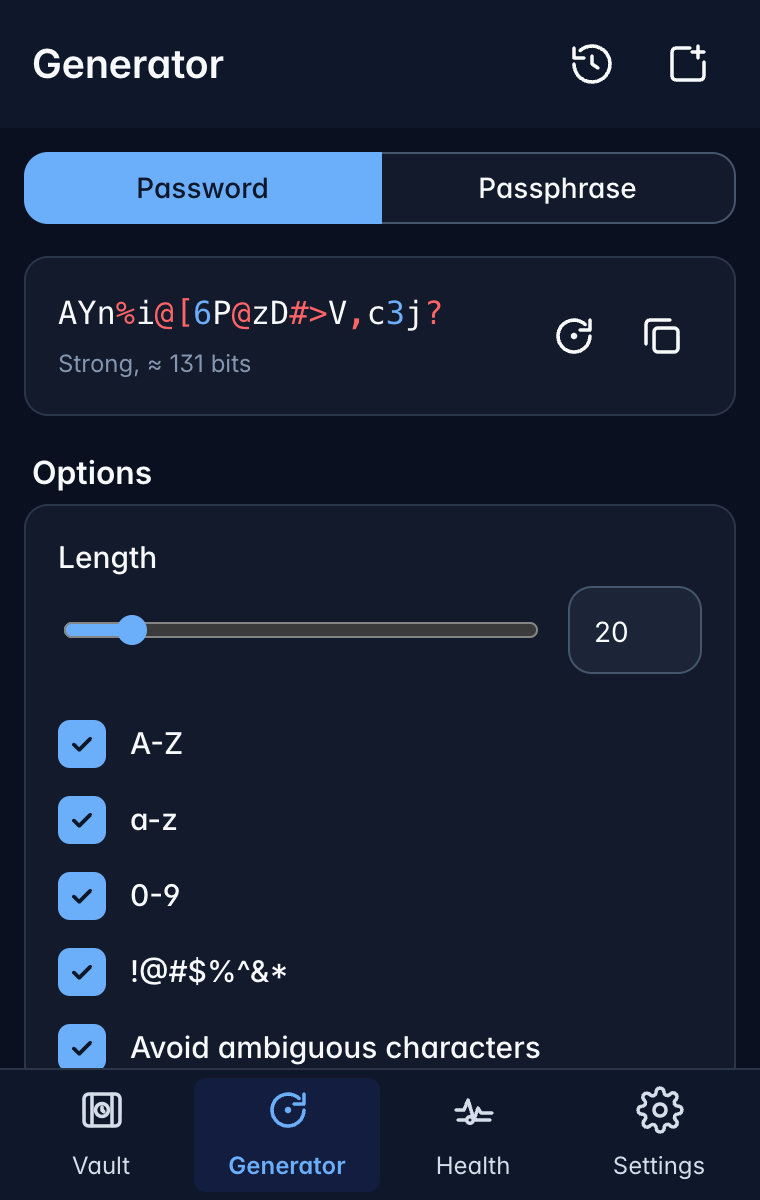
Reused, weak and duplicated passwords, and an optional breach check that never sends a password.
Look
What “local-first” actually means here
Plain claims, each of which you can check in the source.
- There is no account. Nothing to register, no email, no identifier of any kind.
- Your vault is encrypted with your master password. AES-256-GCM, with the key derived by PBKDF2-SHA256 at 600,000 iterations. The master password is never stored.
- Site icons are not downloaded. Chrome serves the extension icons it already has. On the iPhone the same feature is switched off by default, because the only way to get an icon there is to ask a third party for it by domain name.
- The breach check is opt-in and sends no password. Only the first five characters of a password's SHA-1 hash leave the device, and the comparison happens here.
- Pairing a phone is optional, and sends ciphertext. The relay stores an encrypted blob under a key derived from a secret it is never given. Unpair and the copy is deleted.
- No analytics, no crash reporting, no telemetry. Not off by default — absent.
Install
ThumbVault is a Chrome extension. The iPhone app is a companion to it: the vault is created in the browser, and the phone keeps an encrypted copy in step.
Chrome, Edge, Brave
Chrome 128 or newer. Install from the Chrome Web Store, pin it to the toolbar, and set a master password. Importing a Bitwarden export takes about a minute.
iPhone
Download ThumbVault from the App Store, then pair it with the extension by scanning the code under Settings → Sync with phone. Turn it on under Settings → General → AutoFill & Passwords and it fills above your keyboard.
Support
Something wrong, or something missing? Write to mark@vibecode.review and a person will read it. If AutoFill on the iPhone is not offering anything, open Settings → AutoFill in the app and use Copy the details — it produces a short report with no passwords, usernames or site names in it, which is usually enough to find the cause.